

The wealthy aren’t inherently smarter—they just buy leverage. In 2025, that leverage is AI stacks that compress days of work into hours. While most professionals manually research and report, elite teams are deploying AI. This “agentic” AI can autonomously plan and execute multi-step tasks.
This guide reveals 15 tools top performers use daily, complete with high-ROI workflows. The gap is real: a 2025 study found product teams following top AI best practices reported a 55% median ROI on GenAI. Other reports show a strong $3.70 return for every $1 invested.
Bloomberg AI + PORT Enterprise Commentary: Transform Portfolio Insights

Bloomberg Terminal has revolutionized how financial professionals access market intelligence by integrating natural-language search capabilities that surface news and research in seconds.
When combined with PORT Enterprise’s AI Portfolio Commentary feature, you gain the ability to automatically explain return drivers for client reports with institutional-grade accuracy. This combination represents one of the most powerful applications of AI in wealth management and institutional research.
paste your portfolio holdings into the system, generate AI-powered commentary that explains performance drivers.
Bloomberg officially launched AI Portfolio Commentary inside PORT Enterprise on September 23, 2025, marking a significant milestone in automated portfolio analysis.
AlphaSense: Master Earnings Intelligence for Pitches & Investment Theses
AlphaSense has become an indispensable tool for investment professionals who need to process earnings intelligence quickly and accurately. The platform’s Smart Summaries, combined with sentiment analysis on earnings calls, enable you to draft investment theses and client emails at unprecedented speed. What once required hours of manual transcript review can now be accomplished in minutes while maintaining the depth of analysis your clients expect.
This integration brings quantitative analysis and generative AI into a single research view, eliminating the need to toggle between multiple tools. The Earnings Tracker feature consolidates themes across multiple earnings calls using Deep Research capabilities. This helps you spot trends that might be invisible when analyzing calls in isolation.
The platform’s ability to track post-call themes means you can identify shifting narratives around specific companies or sectors. Giving you an edge when pitching ideas or updating your thesis.
This is particularly valuable during earnings season when hundreds of companies report simultaneously. Staying on top of every relevant call becomes humanly impossible without AI assistance.
Hebbia: Deploy Deep Research Agents for Finance & Legal Work
Hebbia represents finance-grade AI that’s been adopted by leading asset managers who demand institutional-quality output. The platform’s strategic partnership with FactSet was announced on September 8, 2025.
This partnership pipes trusted financial data directly into Hebbia’s research environment, ensuring that your analysis starts with reliable, verified information. This integration eliminates one of the biggest risks in AI-powered research: garbage in, garbage out.
While the platform’s “deep research” agents dramatically accelerate document review and financial model preparation, their outputs must be treated as drafts. This requires essential human source-checking before finalization.
For private equity professionals conducting due diligence or legal teams reviewing contract portfolios, Hebbia can mean the difference between two outcomes. These outcomes are working nights and weekends versus maintaining reasonable work-life balance.
PitchBook + AI: Accelerate Deal Sourcing with LLM Search
PitchBook has transformed deal sourcing by integrating AI and machine learning insights directly into its platform. This enables investment professionals to build target lists exponentially faster than traditional methods. The platform’s AI capabilities include intelligent summaries and transcript insights.
These features help you quickly assess whether a company fits your investment criteria without reading through hundreds of pages of materials.
The platform’s integrations with Perplexity and Hebbia were announced in July 2025.
The integrations were expanded in September 2025. This creates a powerful research ecosystem. In this ecosystem, PitchBook’s proprietary data flows seamlessly into your other research tools. This means you can start your research in PitchBook. You can then pull relevant companies into Perplexity for market context. Afterward, you can drop key documents into Hebbia for deep analysis. This is all done without manually transferring data between platforms.
The ability to export shortlists directly to your CRM system accelerates the outreach process significantly. When paired with AlphaSense for earnings context, you can quickly build a comprehensive picture of your target companies.
This picture includes their financial performance. It also includes their strategic direction. It also covers their competitive positioning. This multi-tool approach mirrors how elite investment teams actually work. It creates an information advantage. This advantage translates directly into better investment decisions. It also translates into higher success rates on outreach campaigns.
Microsoft 365 Copilot: Scale Communications & Analysis Across Your Organization
Microsoft 365 Copilot represents enterprise-scale AI that works within the tools millions of professionals already use daily. A comprehensive Forrester Total Economic Impact study revealed impressive time savings.
These savings included approximately 30% reduction in search time and 34% improvement in content creation efficiency.
The practical use cases span the entire Microsoft ecosystem. This includes automatically summarizing Teams meetings with action items. It also includes drafting client proposals from brief outlines. It involves analyzing complex spreadsheets in Excel.
It covers managing email workflows in Outlook. The integration across applications means insights and drafted content flow seamlessly. This flow occurs between where you gather information and where you create deliverables. This ecosystem approach reduces context-switching.
It also reduces the cognitive load that comes with managing multiple disconnected tools. It’s worth noting that the National Advertising Division asked Microsoft to clarify some advertising claims. This underscores the importance of measuring your own ROI.
Do not rely solely on vendor-provided case studies. The best approach is to pilot Copilot with a small team. You should track specific metrics like time spent on routine tasks. Scale only after you’ve validated the business case in your specific context.
Different organizations see vastly different results. This depends on their workflows. It also depends on how well they train employees to use the tool effectively.
GitHub Copilot: Multiply Developer Productivity and Output
GitHub Copilot has fundamentally changed how software developers work. Rigorous controlled studies show developers using Copilot complete coding tasks approximately 55% faster. This is compared to those working without AI assistance.
Beyond raw speed, telemetry data and developer surveys consistently show lower cognitive load. They also show significantly higher perceived productivity. Developers report feeling less mental fatigue.
They are more able to focus on creative problem-solving. They spend less time on syntax and boilerplate. The most effective workflow follows a test-driven development approach. Write your test cases first to establish clear requirements.
Then, allow Copilot to fill in the boilerplate implementation code. You should focus on the complex business logic. Copilot occasionally generates code that works but isn’t optimal. Worse, it sometimes introduces subtle bugs that pass initial testing.
The time saved on writing boilerplate must not be lost to debugging production issues. Organizations should track specific metrics to measure Copilot’s impact. These metrics include lead time from commit to deployment. They also include pull request size (smaller is generally better).
Another metric is the defect rate in production. The randomized experiment showing 55.8% faster completion provides a reliable baseline. Your team’s results will vary based on coding languages and problem complexity. Results also depend on how thoroughly developers have learned to prompt Copilot effectively.
Case studies published in Communications of the ACM discuss more than just productivity gains. They also discuss improvements in developer mental energy and job satisfaction. These factors impact retention in tight talent markets.
Zapier AI: Orchestrate Agents and Workflows Across Thousands of Apps
Zapier AI puts artificial intelligence exactly where work already happens. It does this by connecting AI steps, agents, and chatbots across more than 7,000 applications. This vast integration ecosystem means you can automate complex workflows. These workflows span multiple platforms without writing a single line of code.
For solopreneurs and small teams, Zapier AI effectively mimics having an entire operations team working behind the scenes. A typical lead-generation workflow demonstrates the platform’s power. When a new lead arrives from your website form, AI automatically qualifies them based on your criteria.
It drafts a personalized reply matching your communication style.
It creates a deal record in your CRM with relevant details. It also books a calendar appointment. This all happens without human intervention until the call itself. This automation runs 24/7, ensuring no lead falls through the cracks.
This is true even when you’re focused on client work or outside business hours. According to Zapier’s 2025 documentation, their agent focus has shifted toward automation. This is favored over conversational chat interfaces. This shift reflects real-world feedback that businesses need AI to do things.
They need AI to not just talk about doing things. The platform’s product pages showcase hundreds of pre-built templates for common workflows. However, the real magic happens when you customize these to match your specific business processes.
The key is starting with one high-volume, repetitive task. You should perfect that automation before expanding to more complex workflows.
Perplexity: Generate Cited Research Reports with Deep Research & Sonar

Perplexity has emerged as the go-to tool for professionals who need comprehensive, cited research. It saves hours spent following links and consolidating information. The Deep Research feature runs dozens of searches automatically.
It reads through multiple sources. It returns a well-structured report complete with citations. This transforms market sizing research and competitive landscape analysis. These change from day-long research projects into 30-minute tasks. The Sonar and Sonar Pro models introduced in 2025 deliver deeper search capabilities.
They provide more citations at a lower cost than previous iterations. These improvements mean you’re getting more thorough research. You are spending less on API calls. This is a rare combination in the AI world where better usually means more expensive. The models excel at synthesizing information across multiple sources.
They identify patterns and contradictions that might escape notice during manual research. The workflow is beautifully simple. Ask a complex question about market sizing or competitive landscape. Review the generated report for accuracy and completeness.
Export the finished product with all citations intact. This is useful for client decks or internal analysis. Track the hours saved per report as your key metric.
Most professionals find they’re cutting research time by 70-80%. This happens once they learn to phrase questions effectively. The tool works best when you start with clear, specific questions. Avoid using vague exploratory prompts. The more focused your query, the more actionable your research report will be.
Harvey: Transform Legal Work with AI Adopted by Major Firms

Harvey represents the cutting edge of legal AI. It achieved rapid adoption across major law firms and corporate legal departments throughout 2025. The platform handles critical legal tasks including contract drafting. It also handles contract analysis. It also handles research summary generation.
Major funding rounds and impressive ARR growth reported in 2025 demonstrate genuine value. Sophisticated legal buyers see this value, not just hype, in Harvey’s capabilities. The platform gained significant momentum following Allen & Overy’s rollout to 3,500 lawyers.
This was one of the earliest large-scale deployments in the legal industry. This kind of institutional adoption provides validation. The technology meets the rigorous standards required for legal work. In legal work, accuracy isn’t just important—it’s everything.
The fact that elite firms are willing to bet their reputations on Harvey speaks volumes. This speaks volumes about the platform’s reliability when properly used. The recommended workflow maintains appropriate safeguards. Upload matter documents into Harvey.
Use the AI to issue-spot and identify relevant legal questions. Have it draft contract clauses complete with source citations. Then, require thorough human review before anything goes to a client or opposing counsel.
The AI excels at the grunt work. This includes reading through massive document sets and identifying relevant passages. Meanwhile, lawyers focus their expertise on strategy, judgment, and client counseling.
This division of labor allows legal teams to handle larger matters more efficiently. Alternatively, they can take on more clients with the same staffing levels. This directly impacts profitability and career advancement opportunities.
Superhuman AI: Achieve Elite Email Processing Velocity
Superhuman AI has become the secret weapon for professionals drowning in email. The company’s 2025 State of Productivity & AI Report revealed impressive savings. Many users save a full workday per week through the platform’s AI features. Perhaps more impressively, top performers process approximately 72% more emails per hour than their peers.
This isn’t about working faster. It’s about working smarter. It involves letting AI handle the routine while you focus on strategic communications. The most effective workflow centers on training Instant Reply to match your communication voice and style. Once calibrated, the system can triage incoming messages.
It can also auto-draft appropriate follow-ups. It helps you maintain tight reply SLAs without sacrificing quality. The platform learns from your edits, continuously improving its ability to craft messages. These messages sound authentically like you rather than obviously AI-generated.
Track three key metrics to quantify Superhuman’s impact. These metrics are: total inbox time per day. Another is first-response time to important messages. The third is the number of calls or meetings booked from email outreach.
These concrete measures cut through subjective feelings about productivity. They show whether the investment delivers measurable returns. Many professionals find that the time saved on email processing allows them to take on additional client work.
Alternatively, they can finally tackle strategic projects they’ve been postponing. The acquisition coverage and productivity reports citing specific throughput improvements provide confidence. This confidence is that the gains are real and replicable across different professional contexts.
Canva Magic Studio: Generate Prompt-to-Assets for Ads & Social Content
Canva Magic Studio has democratized video creation. It does this through its Create a Video Clip feature. This feature is powered by Veo-3 technology. This tool transforms a simple text prompt into an 8-second video complete with audio. This is perfect for user-generated content ads.
It is also great for Instagram Reels. It is also useful for TikTok videos. What once required expensive video production teams or hours of editing can now be accomplished in minutes. The results look professional enough for paid advertising campaigns. The streamlined workflow maximizes efficiency.
Write your video script or concept description. Generate the initial clip. Apply your Brand Kit for consistent visual identity. Schedule the content for posting or use it in ad campaigns. This process dramatically lowers the barrier to video content creation.
It enables consistent posting schedules without massive production budgets. The 8-second format aligns perfectly with social media consumption patterns. Shorter content often outperforms longer videos. Track your cost per click (CPC) and cost per thousand impressions (CPM).
Do this when comparing AI-generated videos against manually edited content. Many advertisers find that while AI videos may not always win creative awards, they perform surprisingly well in paid campaigns. This is especially true for testing new messaging or targeting segments.
Canva’s newsroom and help documentation, along with independent coverage, confirm the feature’s availability. The 8-second video generation with sound is available to paid and nonprofit users. This makes it accessible to organizations of all sizes looking to scale their video content production.
Runway Gen-3: Create High-Fidelity AI Video for Brand Stories
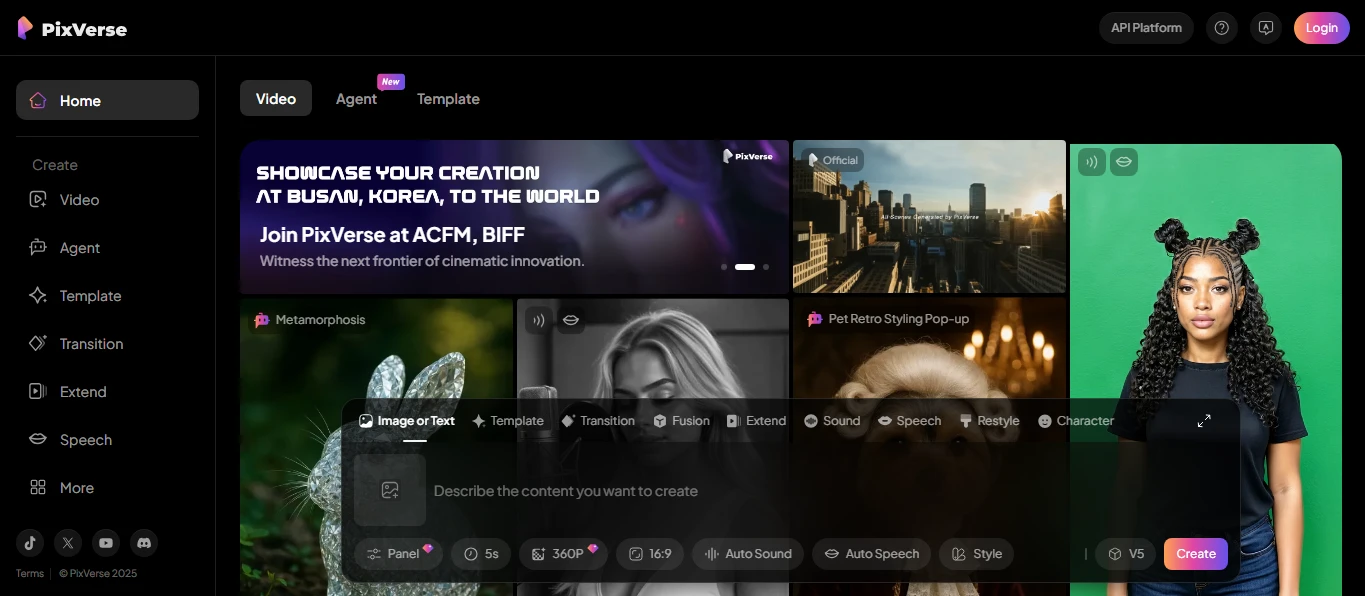
Runway Gen-3 Alpha represents the current state-of-the-art in AI video generation. It has significant improvements in fidelity, motion quality, and visual consistency compared to earlier generations. The platform excels at creating explainer videos, b-roll footage, and concept spots.
These outputs look genuinely professional. Creative teams are using it to prototype video concepts. They also use it to generate impossible-to-shoot footage. They produce short-form content at a fraction of traditional production costs.
The workflow starts with style frames that establish your desired look and feel. It then uses detailed prompts to generate video clips. This is followed by refinement using Runway’s control features to dial in exactly what you need.
Keep individual shots to 5-8 seconds for social media. Shorter clips tend to maintain higher quality. They are less likely to exhibit the temporal inconsistencies that sometimes plague longer AI video generations. Runway’s research page and media coverage note that Gen-3 can generate 10-second clips.
These clips have impressive motion dynamics and visual coherence. The platform works particularly well for abstract concepts. It is also good for impossible camera moves. It is effective for stylized footage. This stylized footage would be prohibitively expensive to shoot practically. While it’s not yet ready to replace traditional production for everything, Gen-3 has crossed a threshold.
The output is genuinely useful for commercial applications. It is more than just impressive tech demos. The key is understanding where AI video excels. You also need to know where traditional production still makes sense.
ElevenLabs: Scale Voice, Dubbing & Sound Effects Across Languages
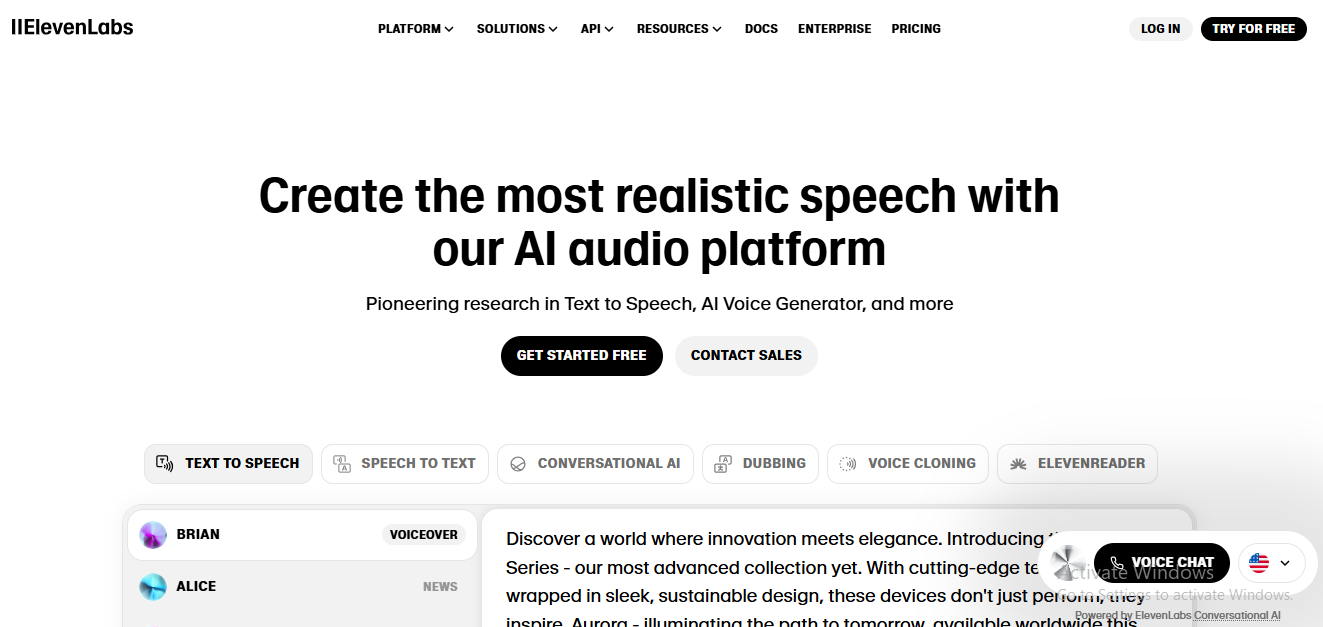
ElevenLabs has become the leader in AI voice technology. It offers text-to-sound effects. It offers dubbing in 30-32+ languages. It offers fast voice cloning that creates remarkably natural-sounding audio.
For businesses creating global advertising campaigns, online courses, or multilingual content, ElevenLabs eliminates a traditional bottleneck. That bottleneck is recording separate voice tracks for each language and market. The company’s rapid growth is evident in its Series C funding at a $3.3 billion valuation in January 2025.
Later secondary transactions were reported near $6.6 billion. This demonstrates strong market demand for high-quality AI voice technology. The practical workflow is straightforward but powerful. Clone your voice using a short sample recording.
Use that cloned voice to batch-dub short-form videos in multiple languages. Then, deploy localized versions on landing pages targeted to different geographic markets. This approach maintains voice consistency across markets.
It eliminates the need for multilingual voice actors or repeated recording sessions every time content needs updating. The Reader app supports 32 languages. This makes it practical to reach global audiences without maintaining separate production pipelines for each market. For course creators, this means launching simultaneously in multiple markets rather than sequential rollouts.
For brands, it enables testing messaging in new markets without committing to expensive production. The technology has matured to the point where most listeners can’t distinguish AI-generated voices from human recordings. This is especially true in short-form content.
The key is providing clean source audio for voice cloning. You must also carefully review the generated content to catch any pronunciation issues with technical terms or proper nouns.
Airtable AI: Build No-Code AI Apps & Agents for Operations
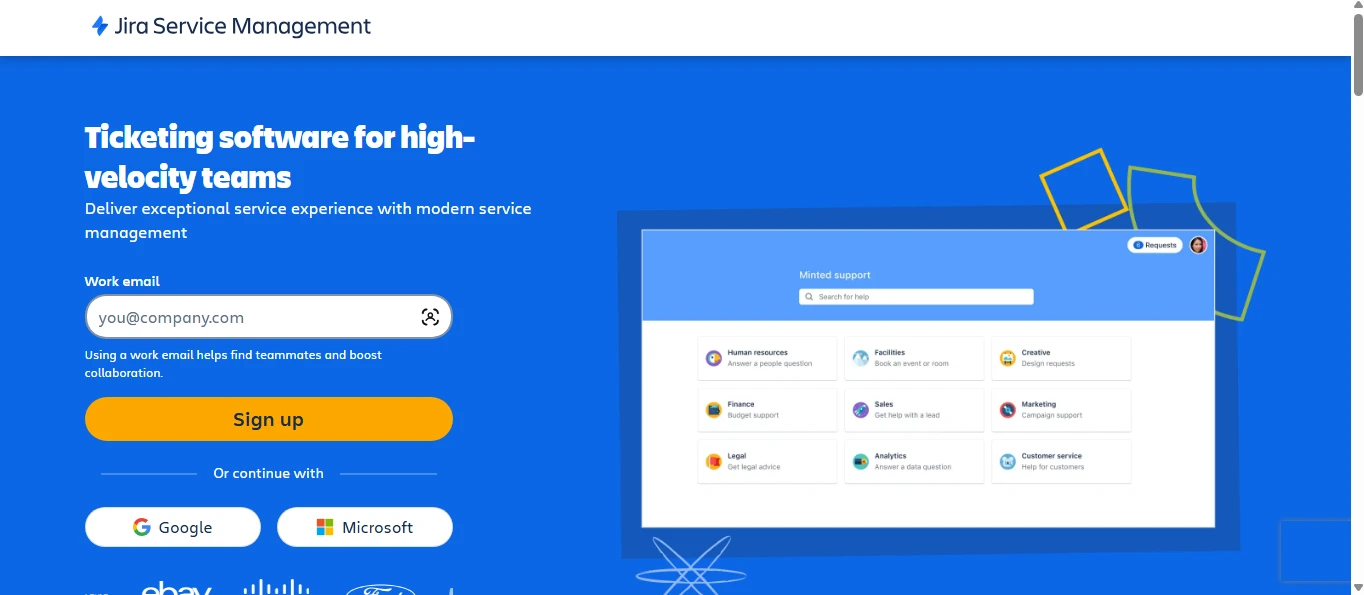
Airtable AI has evolved from a sophisticated spreadsheet alternative. It is now a full no-code platform for building AI-powered applications and autonomous agents. The platform enables non-technical users to create custom AI tools. These tools are tailored to their specific business processes without writing code. The Omni feature acts as an AI assistant.
It helps design database schema, user interfaces, and data flows. This dramatically reduces the technical knowledge required to build functional business applications. The workflow demonstrates Airtable’s accessibility. Import a CSV file containing your data.
Let Omni automatically build an appropriate database schema and user interface. Add AI fields for classification or generation tasks. Publish a portal that your team or clients can access. This might sound complex, but Airtable abstracts away the technical complexity. It presents everything through an intuitive visual interface.
The result is custom AI applications that match your exact business needs. This avoids forcing your processes to fit generic software. Airtable’s platform pages showcasing AI app building, Omni capabilities, and autonomous Agents demonstrate the breadth of what’s possible. Use cases range from custom CRM systems with AI-powered lead scoring.
They also include content calendars with AI-generated draft descriptions. They also cover operations dashboards that automatically categorize and route incoming requests. For small teams tired of cobbling together multiple tools.
Or, for those paying for enterprise software with features they’ll never use. Airtable AI offers the ability to build exactly what you need without hiring developers.
Reclaim: Protect Focus Time with AI-Powered Calendar Management
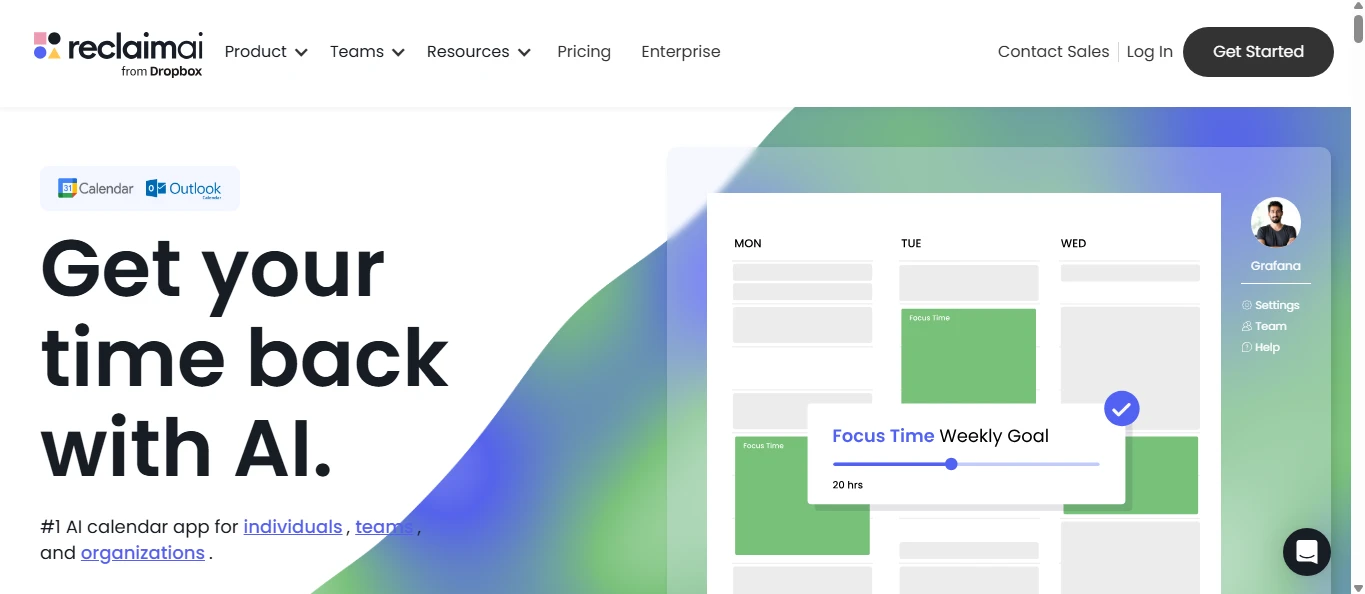
Reclaim represents a fundamentally different approach to calendar management. It uses AI to automatically schedule tasks, habits, and meetings. It works across Google Calendar and Outlook. The platform claims to give teams approximately 40% more productive time.
This is achieved through intelligent time blocking and automatic synchronization. Synchronization occurs between the calendar and task management. Rather than manually playing Tetris with your calendar, Reclaim’s AI continuously optimizes your schedule. Optimization is based on your priorities and work patterns.
The setup workflow requires some initial configuration but pays ongoing dividends. Define your work hours and preferred blocks for different types of work. Set priorities for various tasks and commitments. Establish buffer times between meetings.
Then, let the AI automatically reshuffle your calendar as new meetings land. The system learns from your behavior. It becomes more effective over time at predicting how long tasks actually take. It also predicts when you do your best work.
The product site and feature pages cite the 40% productivity improvement and focus-time metrics. As with all productivity claims, your results will vary. Variation depends on how chaotic your calendar typically is. It also depends on how well you maintain the system. Professionals with back-to-back meeting culture often see the most dramatic improvements.
Reclaim identifies and protects focus time. This focus time would otherwise get consumed by meeting creep. The key is trusting the system enough to let it move things around. This means not manually controlling every scheduling decision. This is a mindset shift that takes some getting used to. Ultimately, it frees significant mental energy.
Notion AI + Mail/Calendar: Centralize Documentation and Communications
Notion has expanded from a documentation and collaboration platform into a comprehensive workspace. This workspace includes AI-powered writing assistance, email management, and calendar integration. Notion AI helps draft and refine content within your workspace. Notion Mail (launched April 15, 2025) adds AI-powered email organization and drafting capabilities.
Notion Calendar ties project milestones directly to your work. This creates seamless connections between planning, execution, and communications. The integrated workflow creates a unified system. You can build a client wiki or project knowledge base in Notion.
Use AI to generate standard operating procedures and templates from your best practices. Schedule related milestones and deadlines in Calendar. Triage incoming client communications in Mail. This consolidation eliminates the context-switching between multiple tools.
That context-switching fragments attention. It makes it difficult to maintain a holistic view of projects and relationships. Launch notes and independent coverage outline current features and limitations. Notably, Mail is Gmail-first.
This means Outlook and other email providers aren’t yet supported at full feature parity. Despite these current limitations, the vision of a fully integrated workspace is compelling. This workspace has documentation, communication, and scheduling living together.
It appeals to teams tired of jumping between Slack, Google Docs, Gmail, and various project management tools.
Bonus: UBS + Synthesia Case Study—How Elite Firms Productize Research
UBS’s deployment of AI analyst avatars demonstrates a trend among elite financial institutions. The avatars were built using OpenAI and Synthesia technologies. They use AI to scale their research distribution and client communication.
The initiative was reported in the Financial Times in May-June 2025. It involves creating AI-generated video content. The video features analyst avatars delivering research insights. This approach allows UBS to dramatically expand their video research capacity.
They do this without proportionally increasing headcount or recording time. The strategic insight here isn’t about the specific tools UBS used. It is about the business model innovation. They are taking written research that traditionally reached limited audiences.
They are transforming it into engaging video content. This content can be personalized for different client segments. It can also be localized for global markets. This same approach is available to individual consultants and small firms.
You can convert your best written content into localized avatar videos. This content includes blog posts, reports, or white papers. These videos feel more personal than text alone.
The democratization of this technology means solo practitioners can now deploy new distribution strategies. These strategies were recently only available to major institutions with video production teams. Consider how you might repurpose your expertise.
That detailed analysis you wrote could become a series of short avatar-delivered videos. Each video can be for different client segments. Each emphasizes the aspects most relevant to that audience.
The key is recognizing that AI tools aren’t just about efficiency. They are about enabling entirely new ways to package and distribute your expertise. This is done at scales that weren’t previously economically viable.